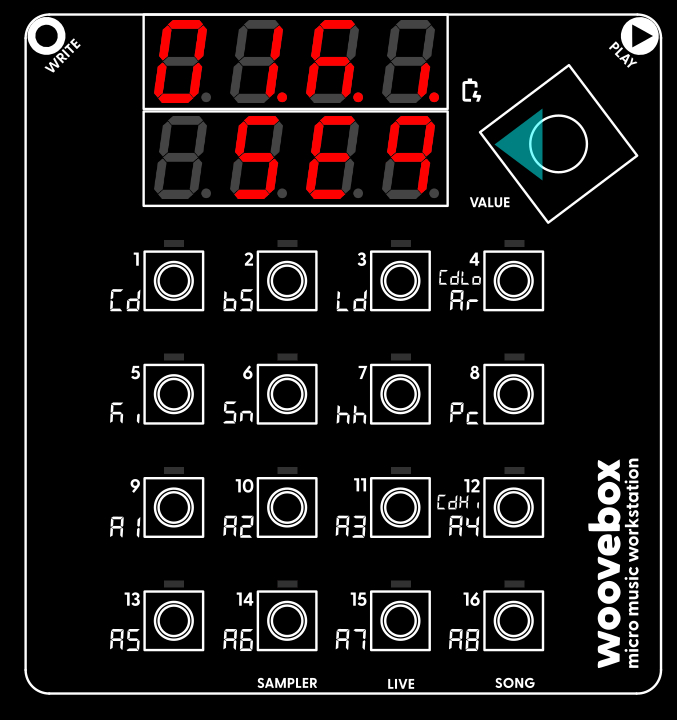
Make sure you're on the sequencer page ("Seq" ) of the kick track's pattern 01 ("01.Ki SEq"). The sequencer ("SEq") page is where events (notes, chords, sample triggers) are added, edited or deleted.
Press play to start playing our empty kick drum track pattern. You will hear nothing right now, but while playing, you will see a blinking "play head" to indicate the position, running from left to right, top to bottom. As your Woovebox steps through the pattern, any steps that the play head encounters that contain programmed kick drum (LED lit up) are played back. Any steps that do not contain a kick drum (LED off) are ignored at that moment in time. Press play again to stop playback.
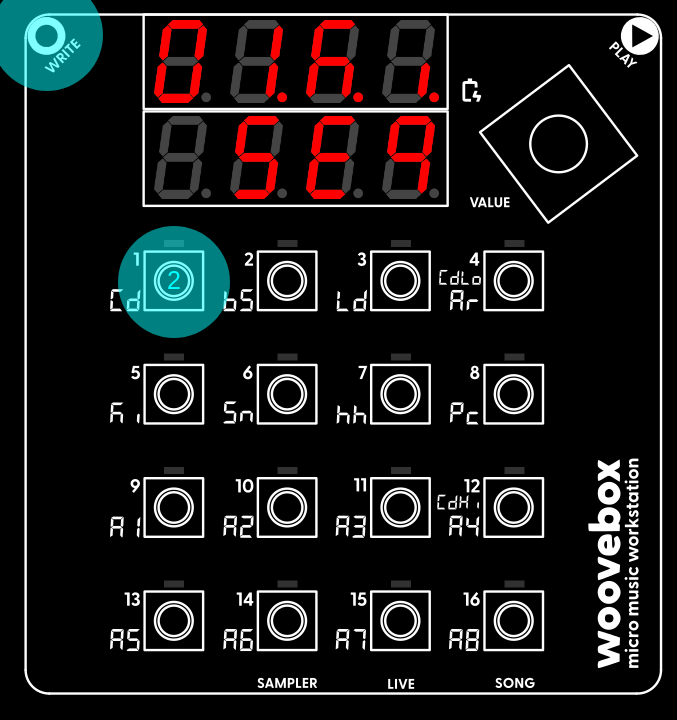
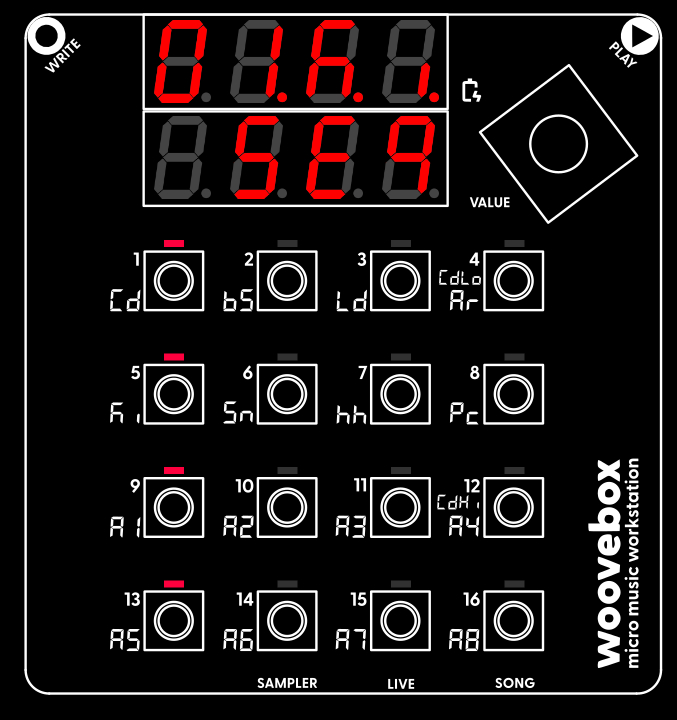
Right now, no kick drums are recorded at all, so playing the pattern back will not produce any sound; let's change that. Program a simple four-to-the floor pattern like so;
You have now programmed your chosen kick drum sound onto steps 1, 5, 9 and 13; a standard "four-to-the-floor" pattern.
If you made a mistake and wish to delete a kick drum from a step, simply hold write and short-press the key corresponding to the step (LED lit up) you wish to clear (LED no longer lit up).
Now press play to hear your kick drum pattern being played back to you. Press play again to stop the playback. You may have also noticed that pressing play caused your song to be automatically saved ("SAVE xxx", where xxx is the current battery level %).
Feel free, of course, to add or remove kick drums as you please.
If you lack inspiration or need to get something going quickly, your Woovebox comes with an "intelligent" randomization feature. On the "SEq" page, choose and action the "rand Pttn" context menu option. Your Woovebox will now create a random pattern that fits the intended behavior ("bEhv" under 7/hh on the track's "Glob" page) of the track. In this case it will provide you with a plausible kick pattern, but in case of other track behaviors, it will provide you with chords, melodies, basslines, etc. as appropriate. For more information, see the randomization section.