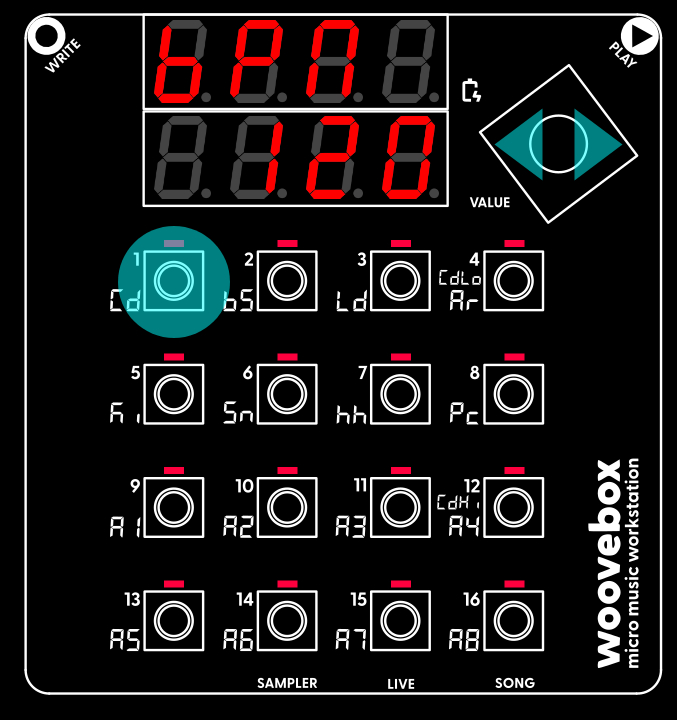
Set your new song's tempo (in beats-per-minute or "BPM"). In this case, the BPM setting lives under the 1/Cd button in Song (Global/"Glob") mode. To change a parameter or setting like "BPM";
To discover more parameters and the values they are set to, simply short-press any 1-16 buttons that have their corresponding LED lit. Any buttons that do not have their LED lit, do not have a setting or parameter associated with them. To get a longer, 8-character description of a parameter or setting, long-press the button.
Changing parameters like this is done the exact same way across the entire UI. It provides you up to 16 parameters to change at once and avoids menu-diving.
For now, it is enough to know that your BPM setting flows through to the tempo and speed of many things. From the delay effects to LFO rates, and even automatic time stretching of samples; a change in BPM will never throw off any tempo-based aspects of your song. Everything adjusts automatically.