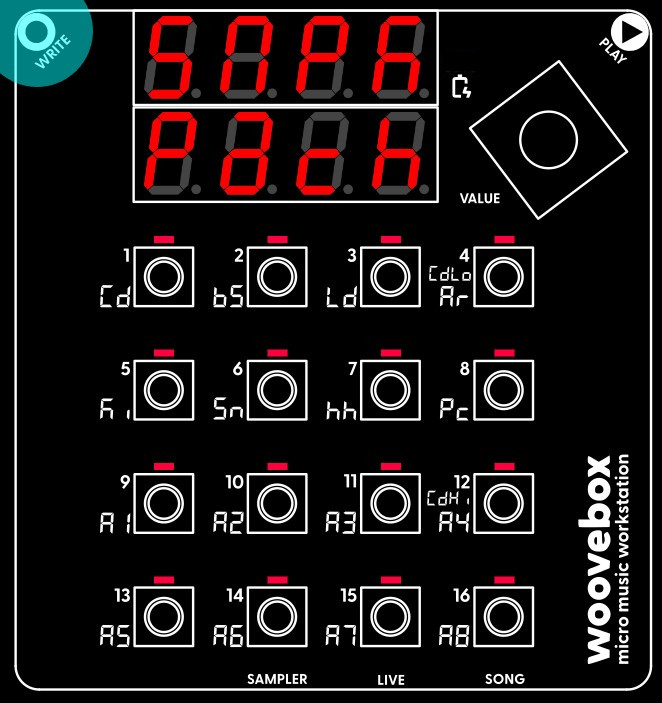
Creating a patch out of your sample kit for applying to a track is very easy. Select and action the "make sample kit patch" functionality ("Pach Kit") from the context menu. This creates a patch and puts it into the patch buffer (the same buffer that is used to copy and paste patches between tracks and songs).
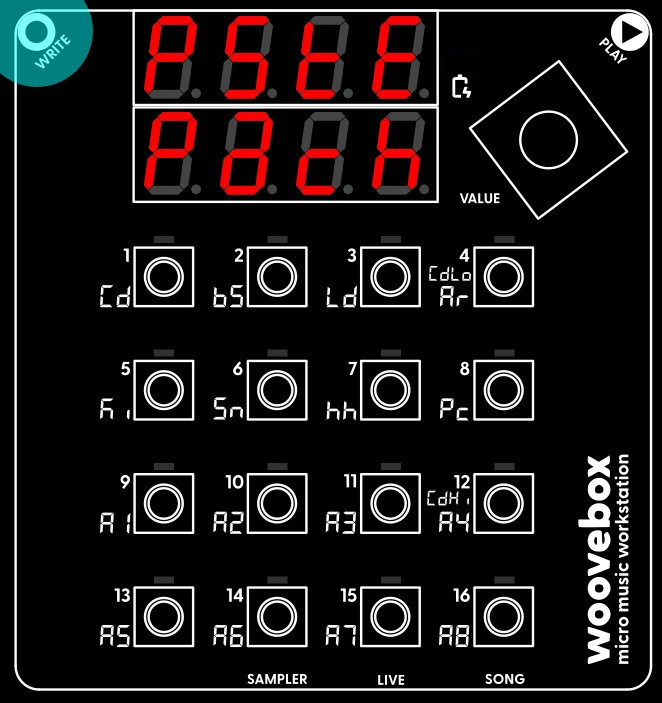
To apply it, switch to the track you wish to have your brand new sample kit on. For your convenience, the track will already scroll to the "Pach" page. From here, simply select and action the "paste patch" ("PStE Pach") function from the context menu. Your kit is now ready to be used.