
- Quick Start
- Step 5
Step 5: Detail enhancement
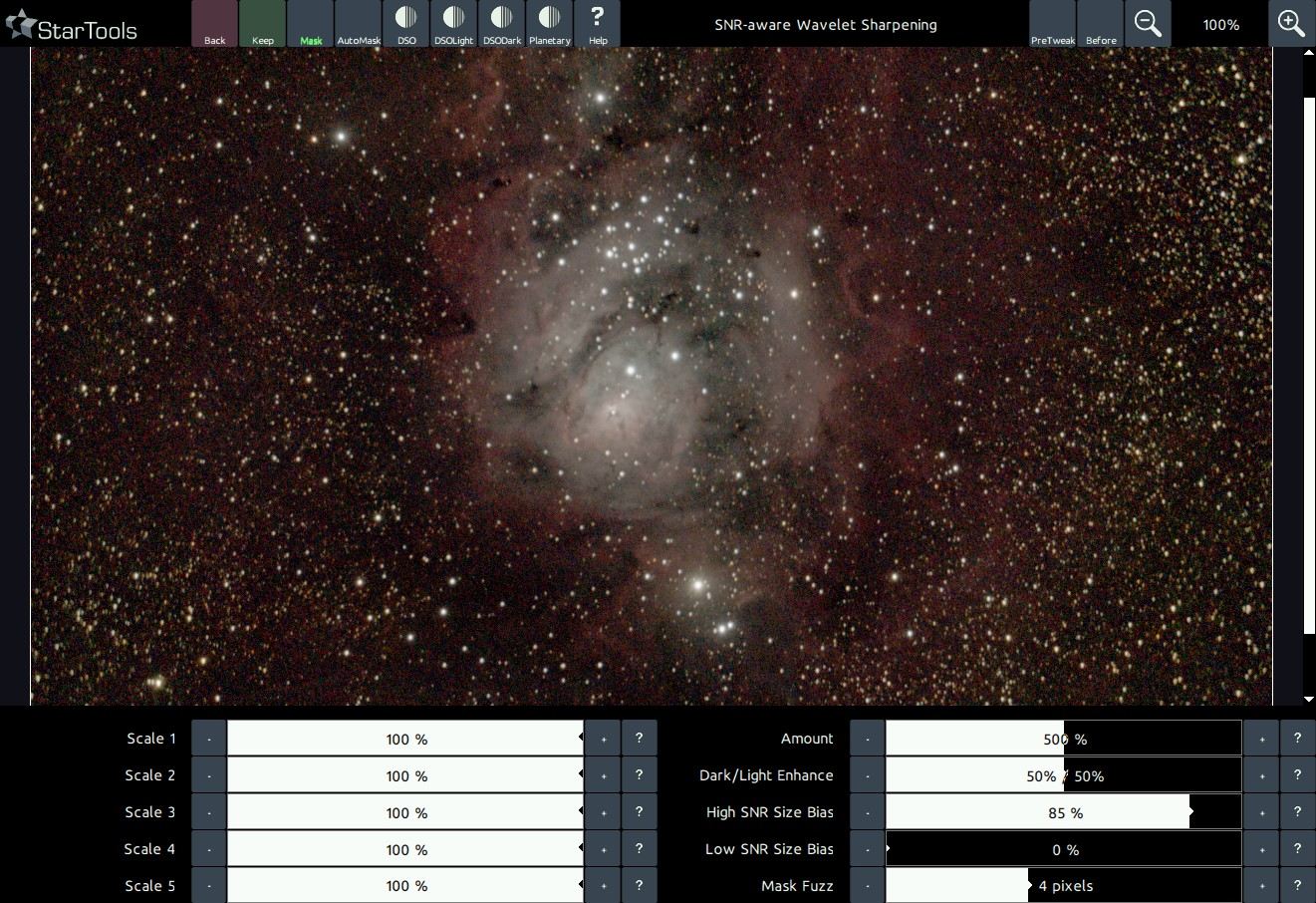
Season your image to taste. Dig out detail with the Wavelet Sharpen ('Sharp') module, enhance Contrast with the Contrast module and fix any dynamic range issues with the HDR module.
Next, you can often restore blurred-out detail (for example due to an unstable atmosphere) using the easy-to-use Decon (deconvolution) module.
There are many ways to enhance detail to taste and much depends on what you feel is most important to bring out in your image. As opposed to other software, however, you don't need to be as concerned with noise grain propagation; StarTools will take care of noise grain when you finally switch Tracking off.
You may also be interested in...
- S. Sheriff, Spain (under Testimonials)
No nonsense, affordable astro software that just works.
- Super Structure: Global Light Diffraction Remodelling of Large Scale Structures (under Features & Documentation)
The Super Structure allows you to manipulate the super structures in your image separately from the rest of the image.
- Crop: Express Cropping Tool with Switchable Luminance, Chrominance and Narrowband Accent Previewing (under Features & Documentation)
- Wipe: Gradient Removal, Synthetic Flats and Bias correction (under Features & Documentation)
- Recommended workflow (under Usage)
If you cannot find such stars and you need samples in a specific area you may choose samples that have a yellow core instead.