
- Quick Start
- Step 7
Step 7: Final noise reduction, switching Tracking off
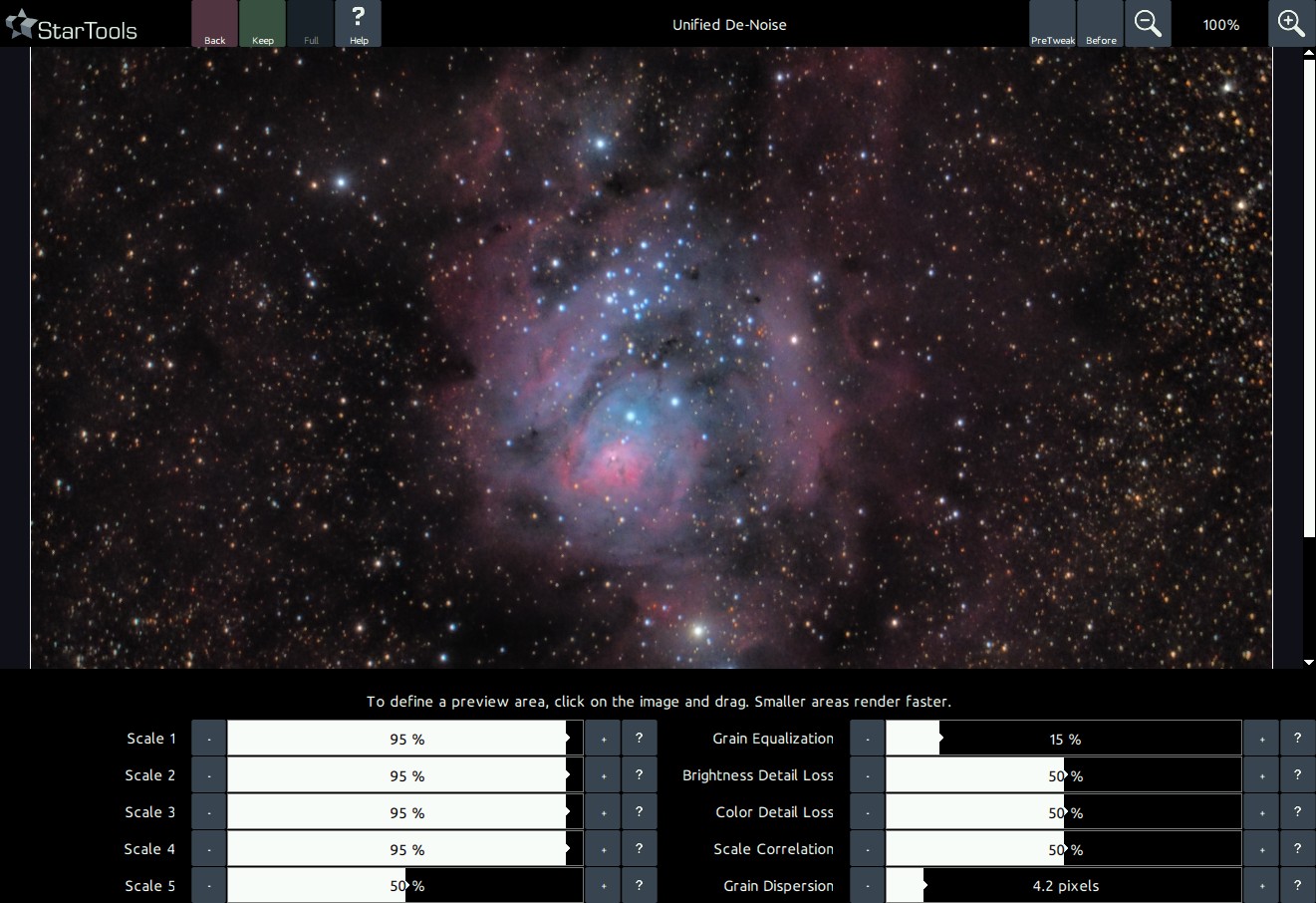
The image after the Super Structure's Dim Small preset, and default noise reduction settings.
Switch Tracking off and apply noise reduction. You will now see what all the "signal evolution Tracking" fuss is about, as StarTools seems to know exactly where the noise exists in your image, snuffing it out.
You may also be interested in...
- E. O., United States (under Testimonials)
- Object protection (under Advanced techniques)
In the Auto mask generator, set the parameters you need to generate your mask.
- Usage (under Super Structure)
In this case the Super Structure module can be used to isolate objects in an image and lift them from an otherwise noisy background.
- Using masks from startools.log (under Usage)
StarTools stores the masks you used in your workflow in the StarTools.log file itself.
- Edge located dark anomalies (under Preparing data for the Wipe module)
Stacking artefacts are the most common dark anomalies located at the edges of your image.