
- Quick Start
- Step 3
Step 3
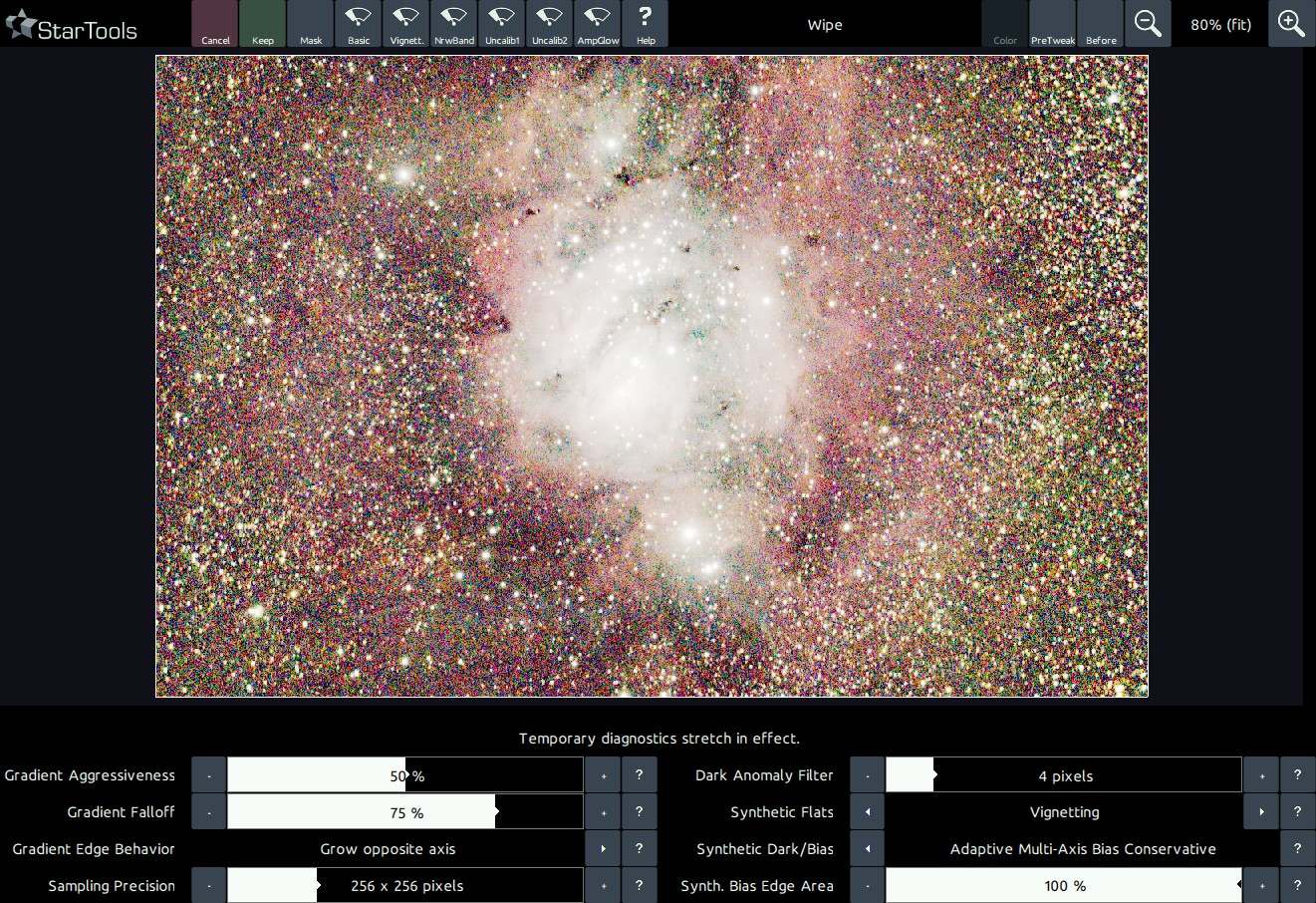
The Wipe module will keep showing you the warts in your data through a temporary, specialised 'diagnostics' stretch. The goal in Wipe, is to clean up any gradients, vignetting and some other calibration defects.
Step 3: Prep
Fix the issues that AutoDev has brought to your attention;
- Ameliorate coma using the Lens module.
- Crop any remaining stacking artefacts.
- Bin the image up until each pixel describes one unit of real detail.
- Wipe gradients and bias away. Be very mindful of any dark anomalies - bump up the Dark Anomaly filter if dealing with small ones (such as dark pixels) or mask big ones (such as large dust donuts) out using the Mask editor.
The importance of binning your dataset cannot be overstated. It will trade "useless" resolution for improved signal, making your dataset much quicker and easier to process, while allowing you to pull out more detail.
You may also be interested in...
- L. B., United States (under Testimonials)
- Usage (under Entropy)
The Entropy module is very flexible in its image presentation.
- Step 8 (under Quick Start)
- Step 7: Final noise reduction, switching Tracking off (under Quick Start)
- Workflows (under Quick Start)
With a suitable dataset, workflows in StarTools are simple, replicable and short.